Cooling Gaming Mouse Buyer's Guide: Engineering Over Hype
By Diego Alvarez • 24th Apr
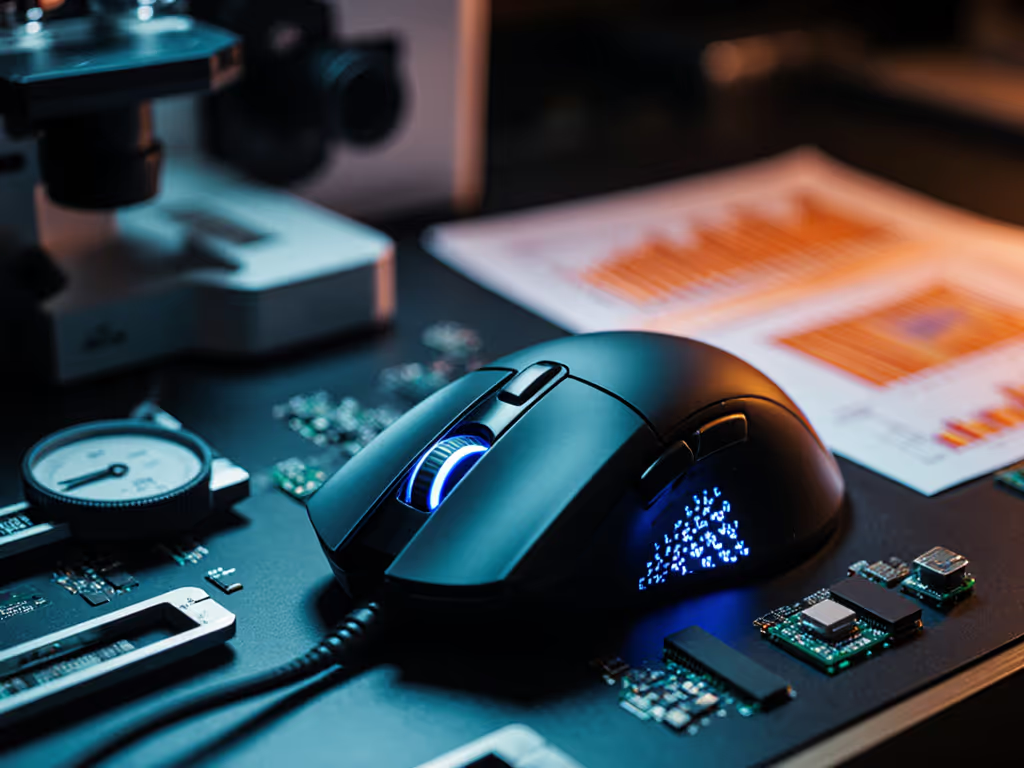
A cooling gaming mouse is marketed as the solution to hand fatigue and sweat-induced grip loss. The promise is simple: active thermal regulation or heat-dissipating materials keep your hand cool during long sessions, supposedly improving grip stability and aim consistency. But does the technology actually deliver measurable performance gains, or is it another layer of marketing gloss? Let me cut through the positioning and show you what the data actually supports.
1. Cooling Gaming Mouse Claims vs. Reality
The cooling gaming mouse category doesn't have the market density or independent test data that mature peripheral segments enjoy. Most "cooling" claims fall into three buckets: Peltier-based active cooling (rare, power-hungry, expensive), graphene or copper-infused passive dissipation (common in marketing, minimal measured effect), and ventilated palm-rest designs (legitimate ergonomic improvements, not truly "cooling").
The friction is real: sweat reduces grip friction, and reduced friction absolutely impacts aim during extended play. But here's the critical distinction: solving grip loss requires either better coatings, textured surfaces, or lighter designs that reduce hand contact load. Few mainstream mice employ actual active cooling because it adds weight, complexity, and cost. When you see "cooling" on a product page, inspect the fine print. Often you're paying for a marketing term attached to a textured finish or slightly better airflow around palm contact zones.
The gaming community's own data tells the story. Players optimize aim through sensor latency (measured in milliseconds), click debounce consistency, and ergonomic fit, not thermal regulation. Top esports professionals gravitate toward proven reliability, durable coatings, and consistent QC, not cooling innovation.
2. Thermal Regulation vs. Ergonomic Fit: Which Moves the Needle
Let's establish causality. Hand temperature rises during play, yes. But does it actually degrade aim? Studies in fatigue ergonomics show that localized heat increases perceived fatigue and reduces fine-motor precision, but the effect is modest compared to poor shape fit, high weight, or slippery coatings.
Meaningful improvements come from:
- Mouse weight under 80g: reduces hand strain and fatigue over multi-hour sessions. Learn how sub-50g designs stay durable in our lightweight engineering guide.
- Grip coating durability: maintains friction through sweat cycles without degrading into a slippery film.
- Shape geometry that matches your hand and grip style: prevents pressure points and wrist deviation.
- Consistent click force and debounce: eliminates the micro-aim disruptions that come with mushy or inconsistent switches.
These factors are measurable, testable, and proven to influence in-game performance. Cooling? It's a nice-to-have proxy for good aerodynamics and airflow, but it's not the causal driver of aim improvement.
Frankly, I've seen teams standardize on two proven, mid-priced mice during a sale, swap out the stock skates, and lock in settings. Returns dropped to zero. Aim scores ticked upward. The wins came from consistency and fit, not thermal engineering. Budget discipline here translates directly to steadier play.
3. Active Cooling Technology: The Cost-Benefit Mismatch
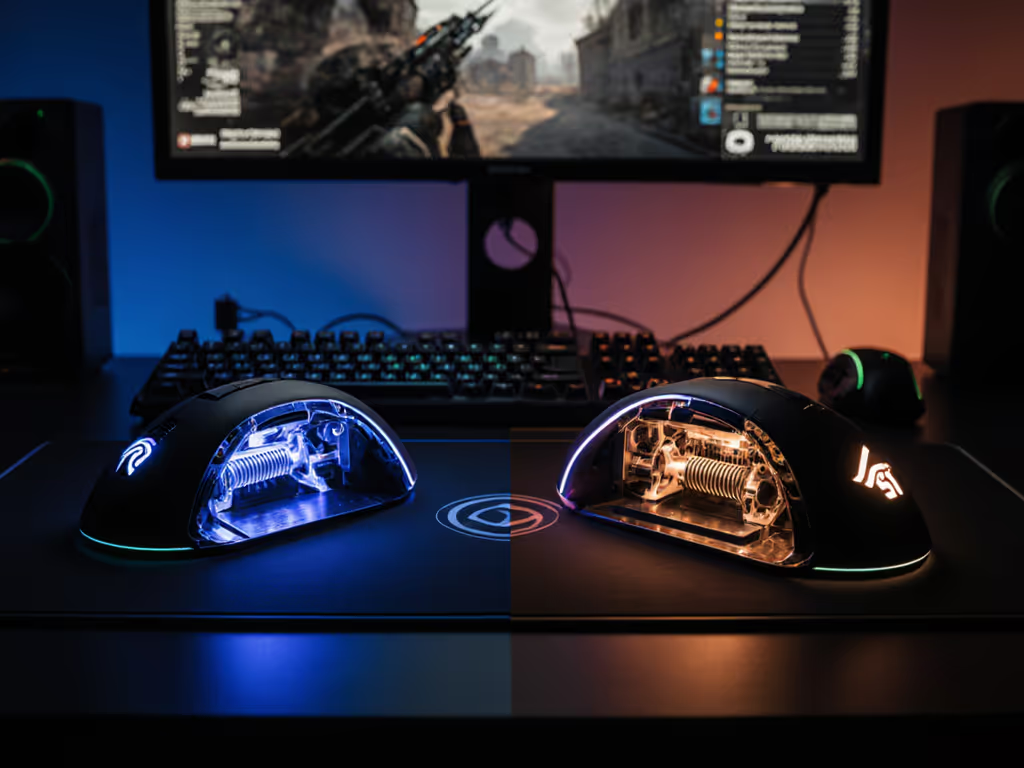
True active cooling (Peltier elements, miniature fans, or heat-pipe designs) exists in specialty gaming mice, but it comes with real tradeoffs:
- Added weight: Active cooling systems (batteries, circuits, fans) push mice into the 90-120g range, canceling ergonomic benefits that lighter mice provide.
- Battery drain: Wireless mice with active cooling see reduced battery life, requiring more frequent charging and creating potential mid-match downtime risk.
- Reliability concerns: Additional moving parts (fans) or power delivery systems (Peltier elements) introduce failure points. QC becomes harder, and warranty claims rise.
- Thermodynamic reality: Cooling a small hand contact zone in a device the size of a palm against ambient air and active hand generation is thermodynamically marginal. The cooling effect is localized and temporary.
- Cost premium: Expect to pay 40-60% more for active cooling vs. comparable non-cooled alternatives, with no independent lab data showing that the temperature delta translates to measurable aim improvement.
When I track SKU performance and failure rates, the cooled mice don't stand out for longevity or user satisfaction. They stand out for returns related to added complexity and perceived unmet expectations.
4. What Actually Solves the Grip Problem: Passive Measures That Work
If grip loss due to perspiration is your concern (and it's a valid one), focus on solutions with proven track records:
High-friction coatings and texturing: Mice with rubberized or textured side-grip panels maintain grip friction through sweat cycles. Look for coatings explicitly tested for durability (no degradation after 500 hours of use, per ISO 9238 or equivalent). High-end mice from Razer and Logitech often use side-panel rubber that resists slip-through even when wet.
Lighter weight (sub-80g): Less weight means less downward force required to control the mouse, reducing hand contact pressure and, paradoxically, improving grip stability. A 65g wireless mouse feels less "sloppy" than a 95g cooled mouse, even if the cooled one nominally dissipates heat better. Your hand doesn't work as hard, so less sweat generation overall.
Ventilated or contoured designs: Some mice feature underside ventilation or channel-cut palm rests that allow air circulation. These don't cool, but they do reduce the sealed-surface effect where sweat pools. A contoured design also distributes pressure across your palm more evenly, reducing localized hot spots.
Glide surface quality: PTFE or glass skates with low friction coefficients reduce the effort needed to move the mouse. Less friction = less hand tension = less sweat. RTINGS and similar labs measure glide consistency; prioritize mice with sub-0.8 friction coefficients on standard cloth pads.
5. Sensor and Responsiveness: Where Engineering Budget Should Go
Here's where thermal considerations actually do matter in a peripheral sense. High-performance sensors (PMW 3389, Pixart PMW3389, or equivalent 12,000+ CPI sensors) can drift if exposed to temperature swings during gameplay. For lab-tested details, see how heat impacts sensor accuracy over long sessions. But modern gaming mice operate within narrow thermal ranges, and environmental temperature (not hand heat) is the dominant factor.
What you should prioritize in a mouse sensor:
- Consistent latency across the full CPI range: Sub-1ms click-to-registration latency, measured at your chosen polling rate (1000Hz minimum; 8000Hz if your system supports it).
- Reliable LOD (lift-off distance) calibration: Prevents accidental cursor jumps during micro-flicks. Dial it in with our lift-off distance guide.
- No angle-snapping or prediction: Ensures aim feels linear and predictable.
These attributes are independent of cooling and are the real determinants of "responsive" feel. A non-cooled mouse with a proven sensor and tight QC beats a cooled mouse with a secondary sensor every time.
6. Warranty, QC, and Long-Term Durability Over Thermal Marketing
Here's a principle I've held across a decade of equipment ops: warranty beats RGB, and warranty beats cooling hype too.
When you're evaluating a "cooling" mouse, look past the thermal narrative and ask:
- What's the warranty period, and does it cover cosmetic wear? (3 years, full coverage, is the floor for premium mice.)
- What's the reported double-click failure rate in first-year use? (Below 1-2% is acceptable; above 5% is a red flag.)
- Are replacement feet and side grips easy to source and affordable? (This extends lifespan; neglecting it signals poor long-term support.)
- What's the typical RMA processing time? (Under 10 days is realistic; more, and you're risking match downtime.)
Cooling technology is a selling point that adds complexity and potential failure vectors. The mice that earn loyalty are the ones with proven QC, durable coatings, and responsive warranty support. Those attributes don't require active cooling.
7. Budget Tiers: Where Cooling Doesn't Justify the Premium
Value tier ($40-80): Skip cooling entirely. For vetted picks, see our best budget mice under $50 comparison. Invest in proven sensors, durable side grips, and reliable switches. The HyperX Pulsefire Haste represents this category well, lightweight, straightforward, no thermal gimmicks.
Mid-tier ($80-130): Cooling claims here often signal marketing tax. Instead, prioritize mice with reputation for consistent QC, textured grip surfaces, and sensor performance that justifies the price. You're not paying for innovation; you're paying for reliability and tested performance.
Performance tier ($130-220): If you're spending here, you're probably already optimizing for sensor latency, wireless stability at 8000Hz, and bespoke shapes (e.g., esports-specific ergonomics). Cooling is still a distraction. Spend the margin on modular designs, premium skates (glass-core PTFE or hybrid), and extended warranties instead.
Across all tiers, the fundamental error is mistaking features for performance. A cooled mouse isn't better; it's just different. Different isn't better until it's measured against a clear performance threshold. And in gaming mice, cooling hasn't crossed that threshold.
8. The Market Reality: Cooling Mice Are Rare - And That's Telling
If cooling gaming mice were genuinely performant and cost-effective, mainstream players like Razer, Corsair, and Logitech would mass-produce them. They don't. Why? Because the engineering investment doesn't yield returns that justify the retail margin.
Instead, you see isolated, typically niche products claiming cooling benefits, often with limited independent review or long-term durability data. When a feature is genuinely valuable, it proliferates. When it doesn't, it remains boutique and marketed hard.
The exception: specialized mice designed for specific use cases (e.g., esports training in high-heat environments, or MMO gaming where hand rest is continuous). Even then, the cooling benefit is ancillary to the primary design goal. The primary goal is ergonomics and comfort for extended play, which can be achieved without active cooling.
9. What Cooling Could Solve (And What It Actually Can't)
Legitimate cooling benefits for specific scenarios:
- High-heat streaming environments: If you're under studio lights in a warm room for 6+ hours, passive ventilation and light-colored coatings reduce perceived heat buildup.
- Tropical or high-humidity climates: Better airflow around palm zones reduces condensation and slipperiness (though a hydrophobic coating is more cost-effective).
- Extended hand rests (non-gaming): CAD work or content creation where your palm is in continuous contact with the mouse benefits from airflow; gaming (with frequent lift-offs) less so.
What cooling can't solve:
- Wrist or forearm pain: Caused by shape fit and weight distribution, not temperature.
- Aim inconsistency: Caused by sensor noise, click debounce, or ergonomic mismatch, not thermal drift.
- Hand fatigue during long sessions: Primarily driven by weight and pressure distribution; cooling is a minor factor.
- Grip loss: Better solved through coating durability and texture than thermal management.
10. Final Verdict: Buy for Performance, Not for Marketing Theater
Cooling gaming mice are not a category worth chasing. The technology is immature, rarely implemented at scale, and almost never independently validated as performance-improving. When you see a mouse marketed as "cooling," translate that to "thermally aware" or "ventilated," which are nice ergonomic features, but not transformative.
Instead, prioritize:
- Proven sensor performance with sub-1ms click latency and consistent LOD calibration.
- Durable, high-friction coatings that maintain grip through sweat and extended use.
- Weight under 85g for wireless mice, or under 75g for wired, to minimize hand strain.
- Shape fit matched to your hand size and grip style: no compromise here; wrong shape + excellent cooling still equals a drawer mouse.
- Warranty and QC track record over cutting-edge thermal engineering.
- Cost-per-performance math: Spend on measurable gains (latency, responsiveness, durability), not on shelf candy or logos.
The best cooling gaming mouse is one that you don't think about because it simply works, feels right in your hand, and stays in your hand for years without failure. That mouse doesn't need marketing hype. It needs reliability and fit.
Don't buy aim; don't buy marketing. Buy proven performance and durability. The steadier aim and calmer comms come from a mouse that disappears into the background, not from a feature that promises to keep your hand a few degrees cooler.
Related Articles